Mapping an Early Departure Policy with Rate Plans and Packages
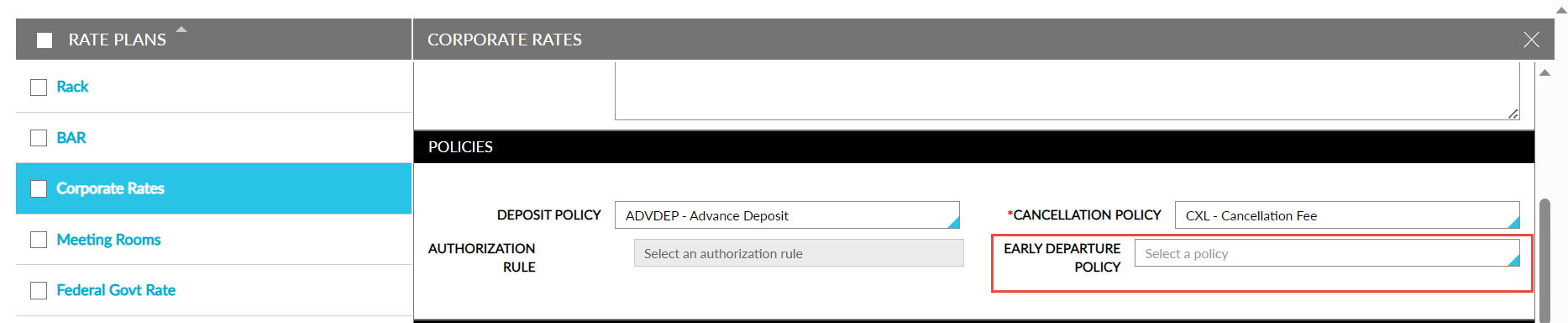
Users can select the early departure policy to be associated with the rate plan from the Early Departure Policy drop-down list on the Policies section of the Rate Plans/Packages tab. This field is a single-select drop-down list that displays all the active early departure policies configured at the property. The following message is displayed when a policy that was previously mapped to a rate plan is inactivated: The Early Departure Policy is No longer active. Please select another policy.